 Track My Golf




How do I show/hide the length of the recording in the list of recorded swings?
There are 2 ways:-
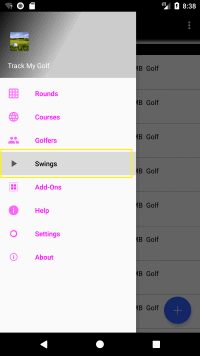
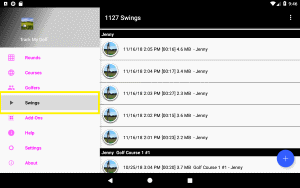
If needed tap the
 button, then tap Swings.
-
-
From the manage page, tap the menu button
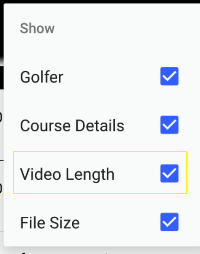
 in the upper right corner, then tap the "Show" menu item.

-
Next check or uncheck the Video Length checkbox.
-
-
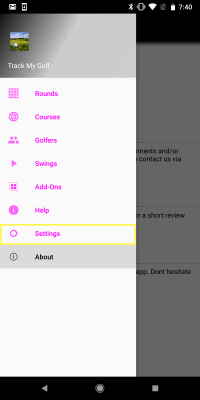
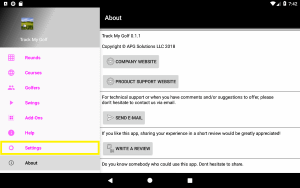
If needed tap the button, then tap "Settings".
-
-
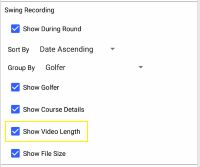
Scroll down to the "Swing Recording" section and check or uncheck the Video Length checkbox.
-